
We are able to change user's role within the EPM application to enable users to have more/less functionality.
There are several type of roles. These are:
| Role | Role Functionality |
| Power User | |
| User | |
| Viewer | |
| Service Administrator |
Changing a user's role:
Navigate to the My Services Console via the following website
| My Services Console | https://myservices.ap1.oraclecloud.com/ |
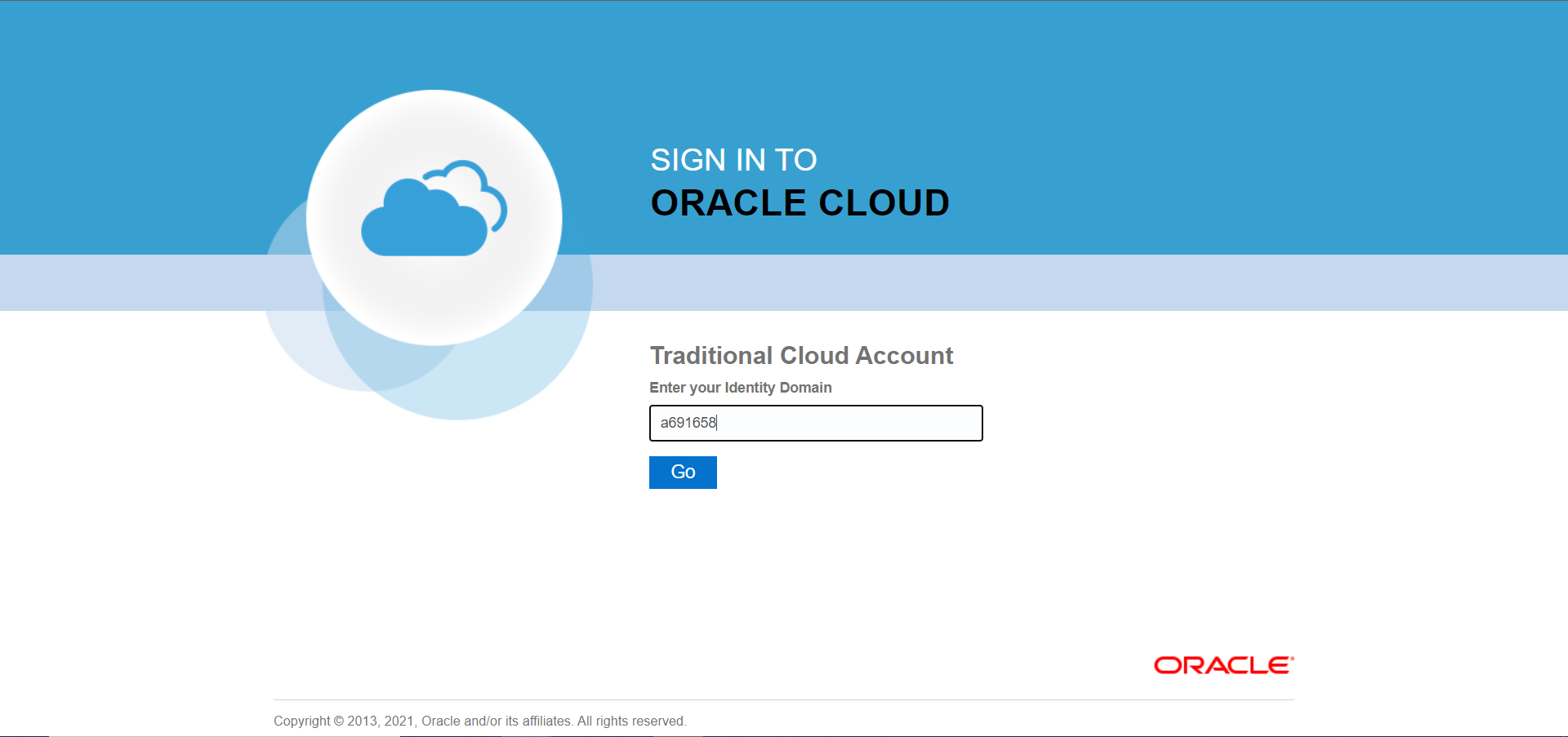
Enter the Identity Domain (i.e Jervois is a691658) and select Go.
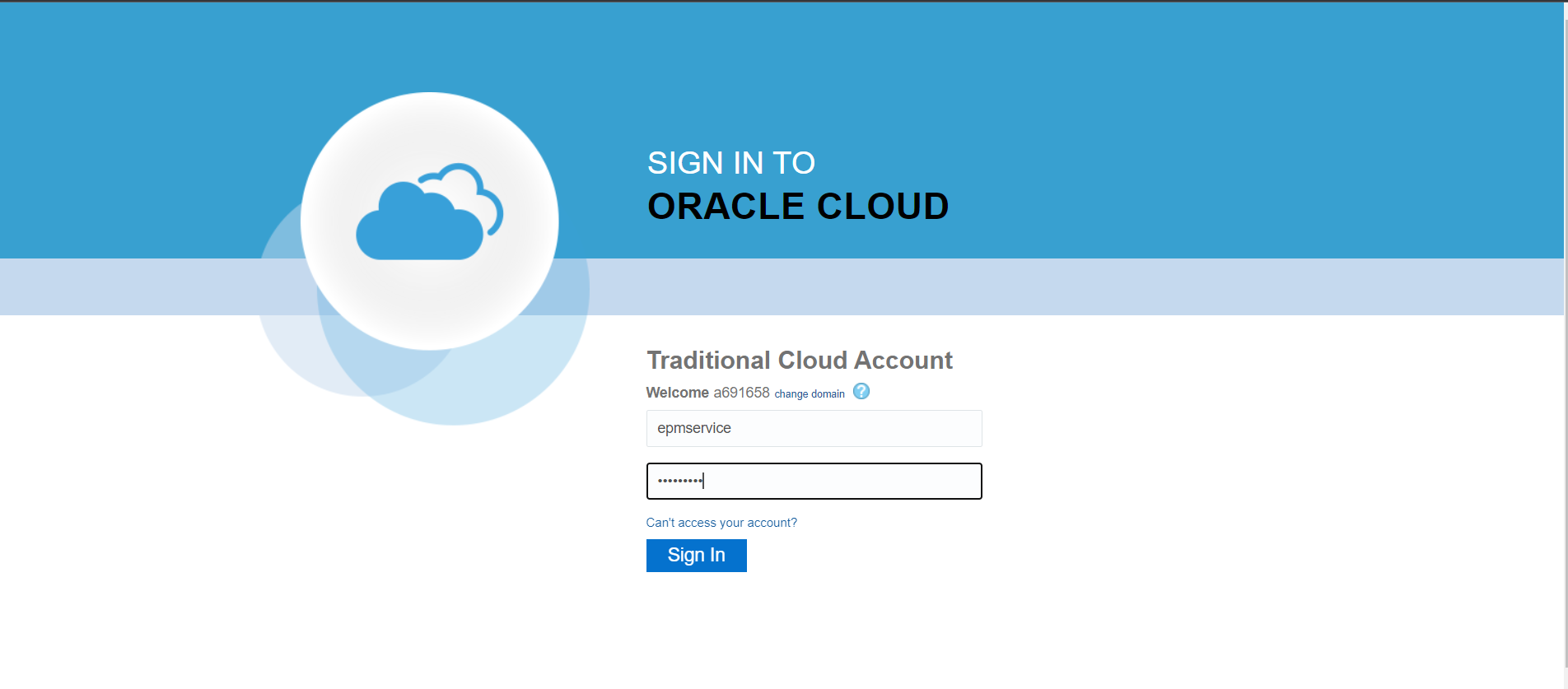
Enter the correct User Name and Password and select Sign In.
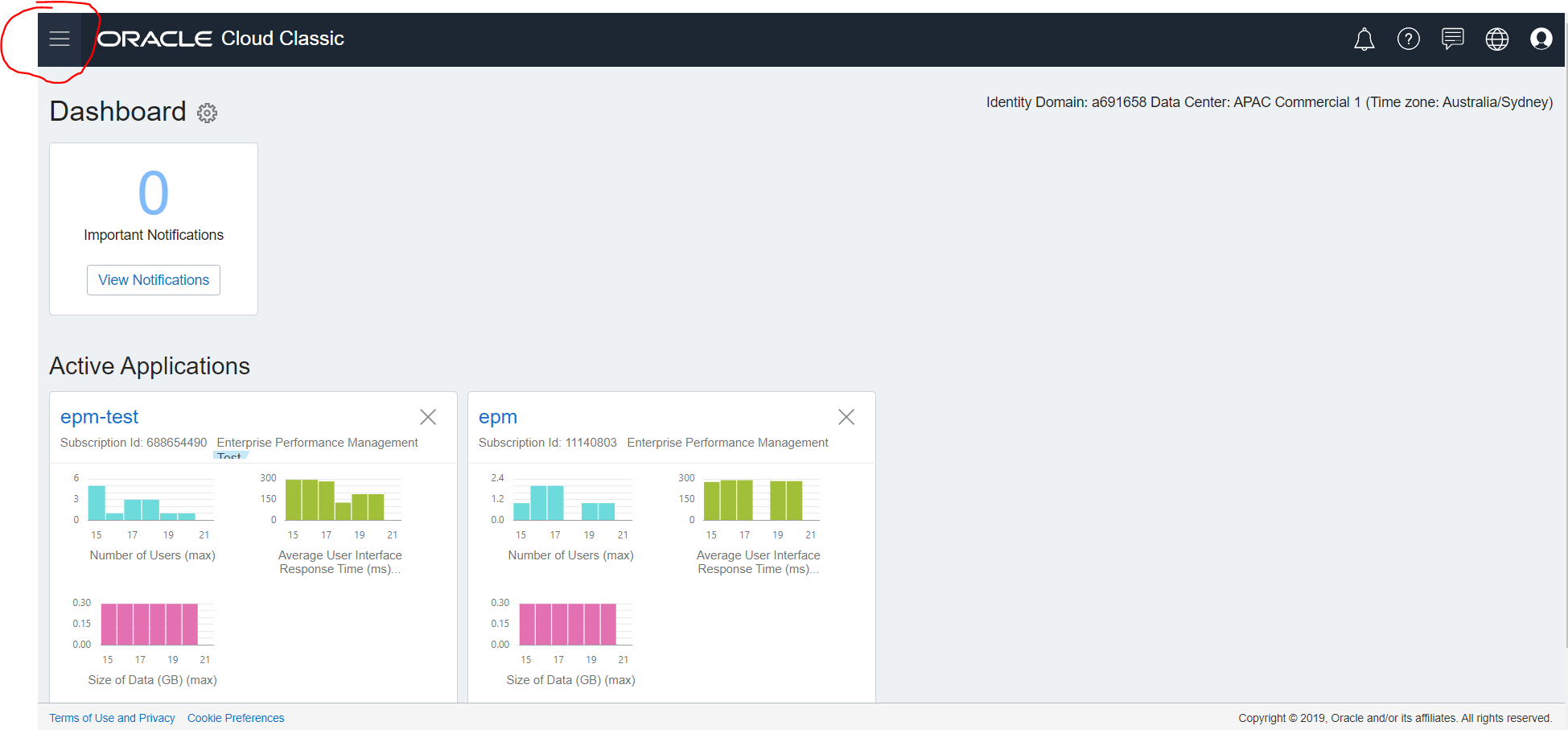
Click on the navigator button located at the top right hand corner.
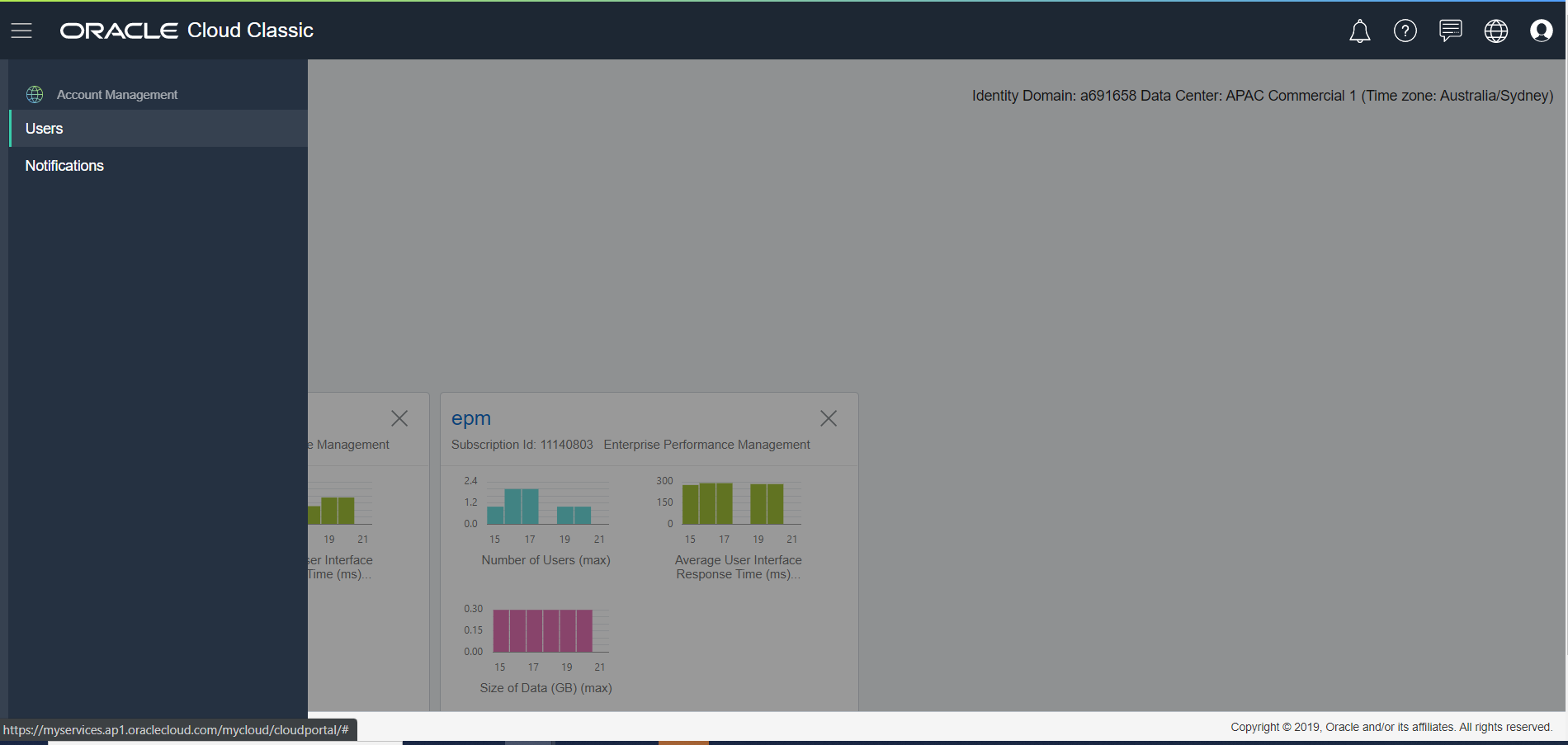
Select Users.
Scroll down to the correct user, and click on the three dots on the right hand side.
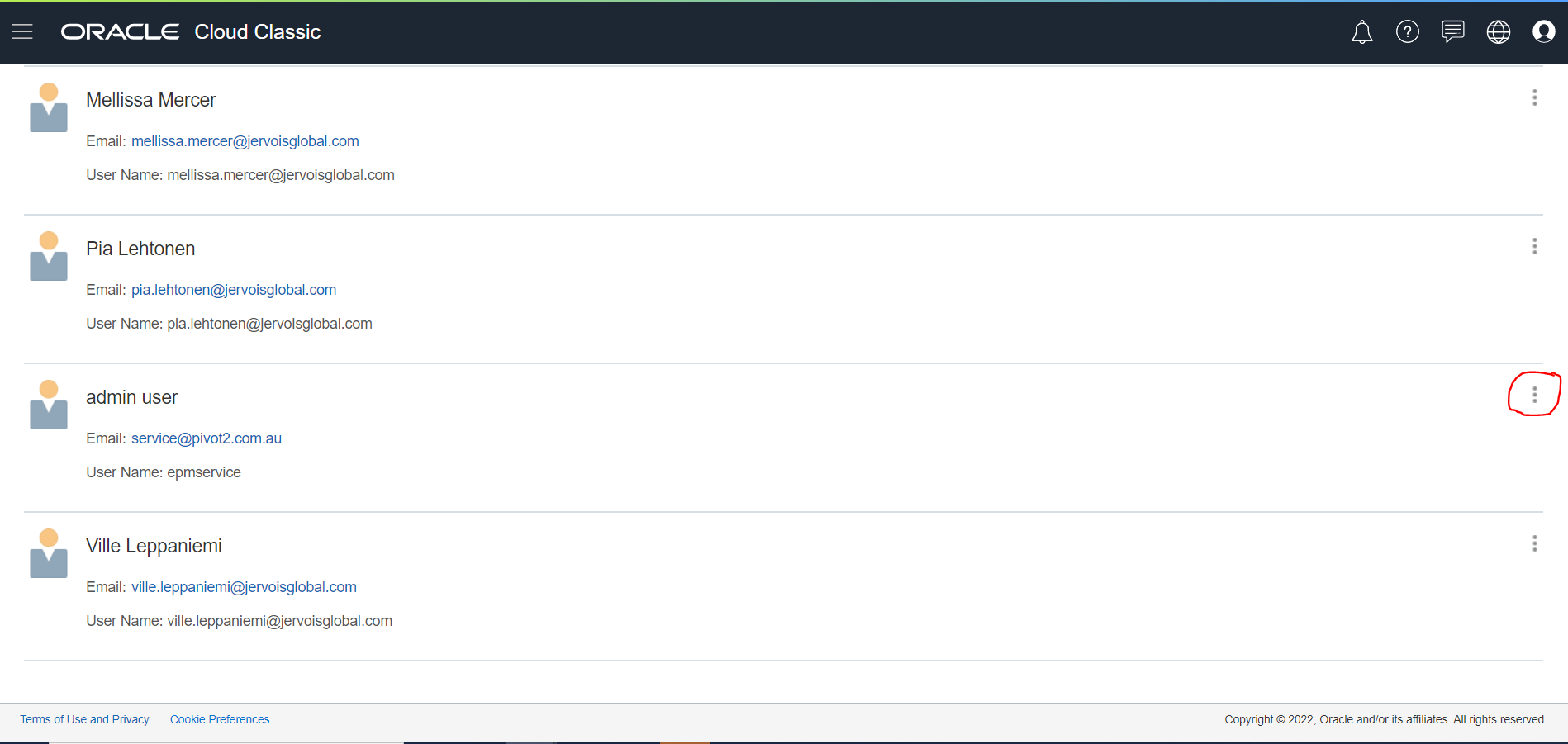
Select Manage Roles

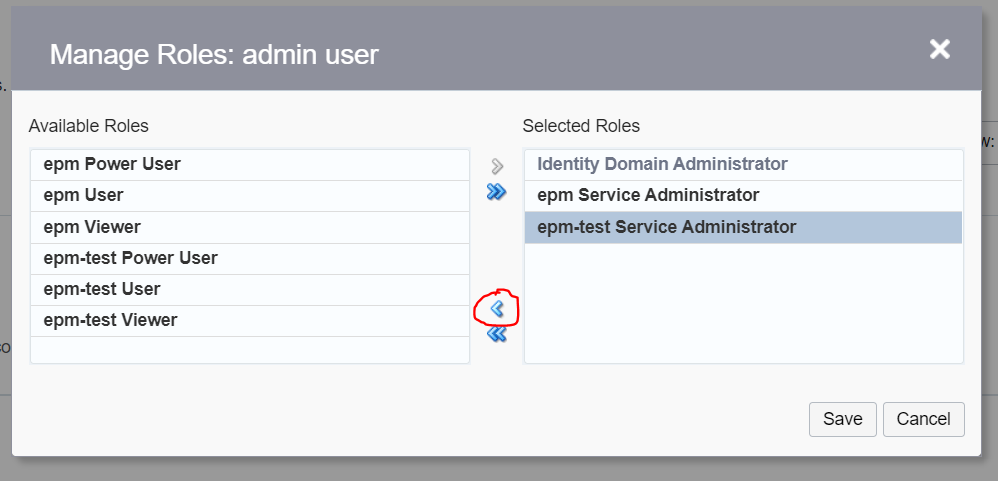
Remove the current Selected Roles by selecting the role on the right hand side and clicking on the single arrow pointing left.
Ensure that the Selected Roles list is now empty.
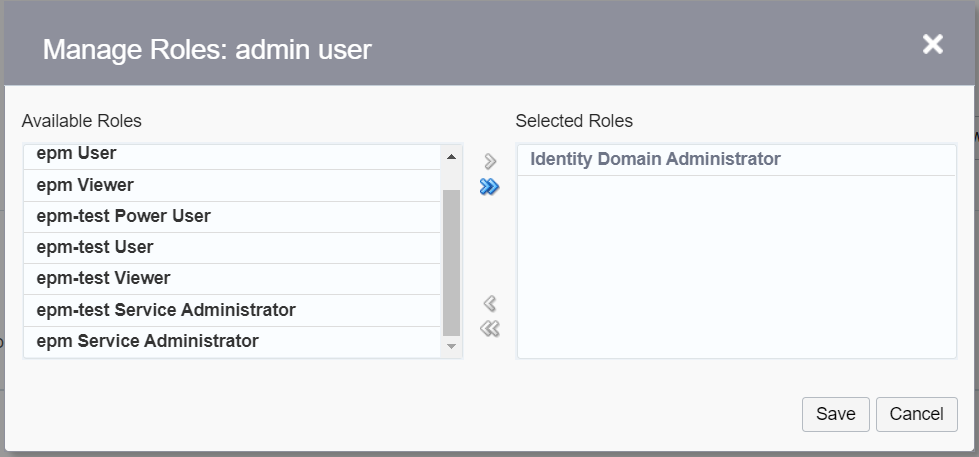
Move the preferred Available Roles roles into the Selected Roles field by highlighting the role and selecting the single arrow pointing right. Ensure you do these for epm as well as epm-test.
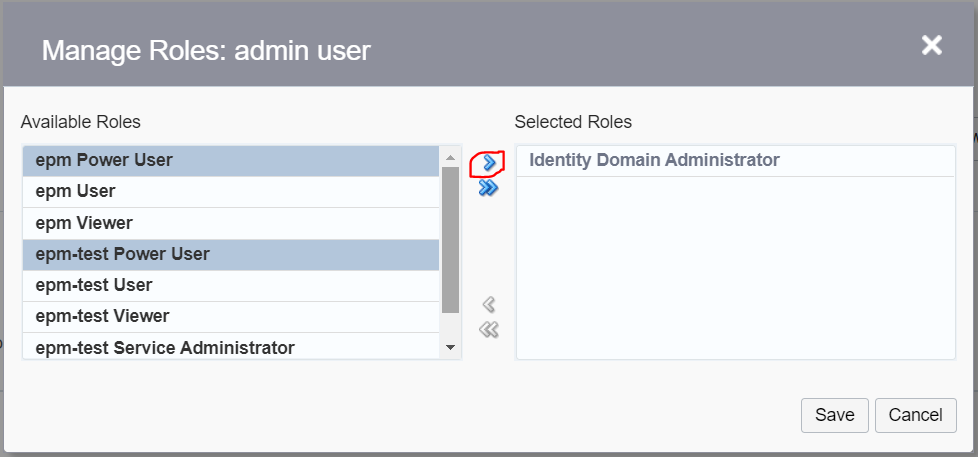
Select Save.
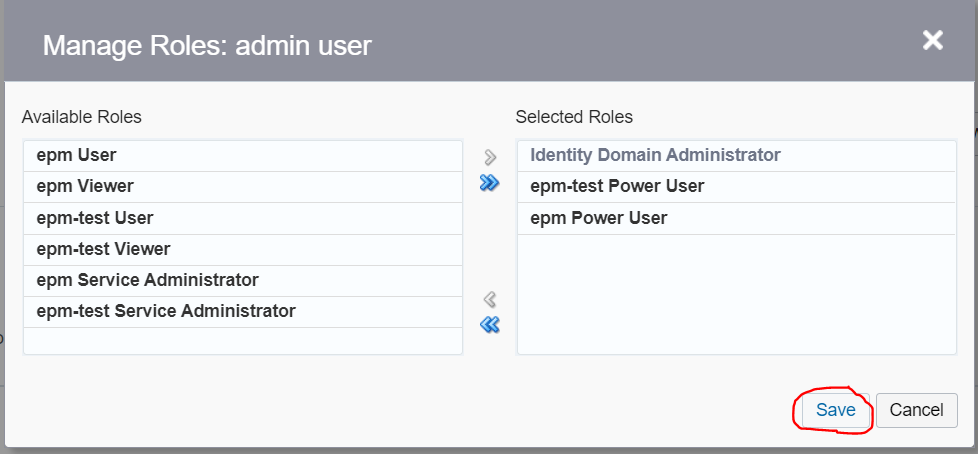
You have now successfully changed the role of a User using the My Services Console. Please allow 5 minutes to allow for this change to be replicated across to the EPM environment. You may need to login and out several times so that the change is reflected within the application.